
IT company in Houston, Texashello@hawkonix.com
Start a project
Training

React Course: Frontend Development with React

A hands-on React course where you build real interfaces with modern JavaScript, TypeScript and Next.js, taught by engineers who write React for our own products, in person in Houston or live online.

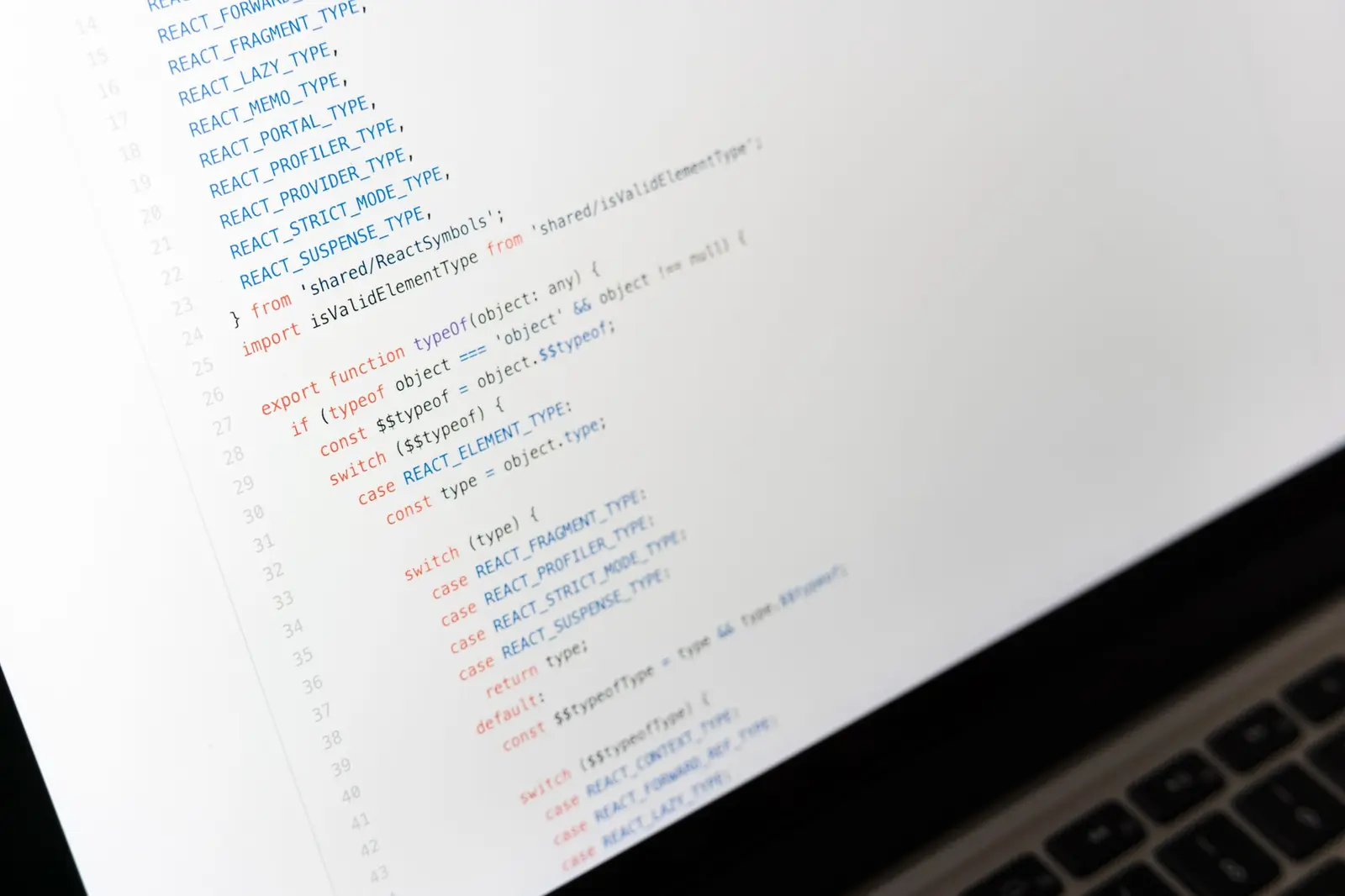
Developer writing React component code on a laptop at a desk
FormatIn person in Houston or live online
DurationTypically 10–14 weeks, part-time
LevelIntermediate
Class sizeSmall cohorts

This React course teaches you to build the kind of interfaces that businesses actually use: dashboards, forms, data tables, search and filtering, and ordering screens. You start with modern JavaScript and component thinking, then move through hooks, state management, data fetching, TypeScript, testing and Next.js. Every module ends with something working in your browser and committed to your own repository.

Our instructors write React every week for the screens inside Distrohawk, CornerHawk and CleanerHawk, so the examples come from real product work, not toy demos. You can attend in person in Houston, join live online, or book a private version for your team. Expect short explanations, lots of live coding, and detailed code reviews on everything you build during the course.

A React course built on real product screens

Many React tutorials stop at counters and to-do lists. Real work looks different: a data table with sorting and filters, a form with ten fields and server-side validation, a dashboard that has to load quickly on a slow connection. We teach React through those kinds of screens because that is what our engineers build every week.

Each class starts with a short concept, followed by live coding where the instructor talks through every decision, including mistakes and how to spot them. Then you build your own version while the instructor helps. You learn to read error messages, use React DevTools, and work out why a component re-renders when it should not.

  • Concepts explained through real interface problems
  • Live coding with honest mistakes and fixes
  • Hands-on time in every session
  • Debugging taught as a core skill

Projects and capstone

Along the way you build a product catalog with search and filters, a multi-step checkout form with validation, and an admin dashboard with charts and a paginated table. Each one introduces a new set of skills, uses realistic sample data, and goes through code review before you move on.

For the capstone, you build a complete front end against a real API we provide or one you write yourself. Typical projects include a customer ordering portal, a booking calendar for a service business, or an order tracking screen for a pickup and delivery operation, similar in spirit to what CleanerHawk offers its customers. You plan the components, build them in milestones, write tests, run accessibility and performance checks, and deploy the result. You finish by walking us through your structure and the trade-offs you made.

Schedule, pace and practice time

The course is part-time, with cohorts typically meeting on weekday evenings or weekends. We confirm dates and times before each cohort starts. In-person students meet in Houston, and online students join live with full audio, chat and screen sharing so they can get the same help.

Most students spend several hours a week on exercises between sessions. The pace is steady rather than rushed, but React has a lot of surface area, so consistent practice matters more than long weekend sprints. Short daily sessions work well for most people. Recordings and demo code are shared after each session, so a missed class does not mean falling behind.

  • Part-time cohorts, typically evenings or weekends
  • In person in Houston or live online
  • Several hours of practice each week
  • Recordings and demo code after every session

Portfolio help without false promises

We do not guarantee jobs or placement. Front-end hiring depends on the market, your experience and your portfolio. Our job is to make sure your portfolio is real, reviewed and easy for someone else to understand.

Instructors review your GitHub repositories, READMEs and deployed projects, and give feedback on how you describe your work on a resume and LinkedIn. We also run practice sessions where you explain a component you built, walk through a bug you fixed, and answer questions about state and data fetching. Students who complete the course and capstone receive a certificate of completion from Hawkonix, which confirms you finished the program. It is not an accredited qualification, and we will not describe it as one.

  • GitHub and portfolio review
  • Feedback on resume project descriptions
  • Practice code walkthroughs
  • Certificate of completion from Hawkonix

React training for company teams

We run private React training for development teams in Houston and across the US, either on site or live online. Common reasons include moving from an older front end to React, standardizing how a team handles state and data fetching, or bringing backend developers up to speed on TypeScript and testing.

For corporate groups we can tailor the modules to your codebase and conventions and use examples close to your own product. Scope, schedule and fees are agreed in advance and quoted on request. If you also need help on the project itself, our frontend development team can work alongside your developers after the training. Get in touch to discuss your team.

  • On site in the Houston area or live online
  • Modules tailored to your codebase and conventions
  • Examples drawn from your own product
  • Fees quoted on request
01Curriculum

What you will learn, module by module

In person in Houston or live online
typically 10–14 weeks, part-time · Intermediate
Module 01

Modern JavaScript for React

  • Destructuring, spread and rest syntax
  • Array methods: map, filter, reduce and find
  • Modules, imports and exports
  • Promises, async/await and fetch
  • Setting up a project with Vite and npm
Module 02

Components and JSX

  • Thinking in components and splitting a design
  • Props, children and composition
  • Conditional rendering and lists with keys
  • Styling options: CSS modules and Tailwind CSS
  • Building a reusable button, card and modal
Module 03

State and hooks

  • useState and how re-renders work
  • useEffect, dependencies and cleanup
  • useRef, useMemo and useCallback in practice
  • Writing custom hooks
  • Common bugs: stale state and effect loops
Module 04

Forms and user input

  • Controlled and uncontrolled inputs
  • Validation with React Hook Form and Zod
  • Accessible labels, errors and focus management
  • Multi-step forms and saving drafts
  • File uploads and previews
Module 05

Data fetching and APIs

  • Fetching from a REST API
  • Loading, error and empty states
  • Server state with TanStack Query
  • Pagination, search and filtering
  • Optimistic updates and retry behavior
Module 06

Routing and application structure

  • React Router layouts and nested routes
  • Protected routes and login flows
  • Folder structure for medium-sized apps
  • Global state with Context and Zustand
  • Code splitting and lazy loading
Module 07

TypeScript with React

  • Types, interfaces and unions
  • Typing props, state and events
  • Typing API responses
  • Generics in reusable components
  • Migrating a JavaScript component to TypeScript
Module 08

Testing and performance

  • Component tests with Vitest and React Testing Library
  • Mocking API calls in tests
  • Measuring renders with React DevTools
  • Virtualizing long lists and tables
  • Lighthouse audits and Core Web Vitals basics
Module 09

Next.js and deployment

  • Pages, layouts and the App Router
  • Server components and client components
  • Static and dynamic rendering
  • SEO metadata and images
  • Deploying and setting environment variables
Module 10

Capstone project

  • Planning screens and components from a brief
  • Building against a real API
  • Code review rounds and refactoring
  • Accessibility and performance checks
  • Deploying and presenting the finished app

Who this program is for

  • People who know basic HTML, CSS and JavaScript and want to build real applications with React.
  • Backend developers who need to own the front end of their product with confidence.
  • Designers who want to turn their own designs into working, accessible components.
  • Development teams moving an older jQuery or server-rendered front end to React.

Before you start

  • Working knowledge of HTML and CSS, including basic responsive layout.
  • Basic JavaScript: variables, functions, arrays, objects and loops.
  • Comfort using Git for simple commits and pushes, or willingness to learn it in week one.
  • A laptop that can run Node.js, a code editor and a modern browser.

What you will be able to do

  • A deployed React or Next.js capstone app that consumes a real API and handles loading, errors and edge cases.
  • A small library of reusable, typed components such as tables, modals, forms and filters.
  • Confidence with hooks, data fetching and server state using TanStack Query.
  • The ability to write TypeScript for components, props and API responses.
  • Experience writing component tests and fixing performance problems in long lists.
  • A reviewed GitHub portfolio with clear READMEs and screenshots.
02Included

What’s included in the program

Instructor-led live sessions

Classes in person in Houston or live online, led by engineers who write React for production SaaS products, with hands-on time and individual help in every session.

Recordings of every class

Full session recordings and the code written during each demo, so you can review explanations at your own pace or catch up after missing a class.

Pull request code reviews

Written reviews on your exercises and capstone covering component structure, state handling, accessibility, naming and tests, in the same style our own team uses internally.

Component starter kits

Starter repositories for each module with a configured toolchain, sample API data, instructions and reference solutions to compare with once you finish your own version.

Capstone check-ins

Scheduled check-ins during the capstone to review your plan, help with blockers and keep scope realistic so you deploy a finished, working app by the end.

Certificate of completion

A certificate of completion from Hawkonix when you finish the course and capstone. It confirms completion of our program and is not an accredited credential.

03Process

How enrolment works

Send an inquiry

Tell us about your current JavaScript experience and what you want to build. We send cohort dates, the schedule, format options and fees, which are provided on request.

Quick skills check

A short conversation or small exercise confirms you are comfortable with the JavaScript basics. If you need more preparation, we point you to specific material first.

Enroll and install tools

After enrolling you receive the setup guide, access to the course workspace and your first starter repository. We help with Node.js and editor setup before day one.

Build through the modules

Attend live sessions, complete exercises, and open pull requests for review. You get feedback each week and can ask questions in the shared chat between classes.

Ship your capstone

Plan, build, test and deploy your capstone app, then present it to the instructors. You leave with a reviewed portfolio and your certificate of completion.

04Our products

Built on the same stack we ship

Hawkonix designs, builds, hosts and supports these products every day. The same engineers work on client projects.
05FAQ

Questions we hear often

When are classes held?
Cohorts are part-time and typically meet on weekday evenings or weekends. Exact dates and times are confirmed before each cohort begins. You can attend in person in Houston or join live online, and every session is recorded in case you need to miss one because of work or travel.
How much is the React course?
Fees are available on request. The amount depends on whether you join a public cohort or book private training for a team, and on the format you choose. Contact us and we will send the current fees and upcoming dates along with any payment options.
Is there a certificate at the end?
Yes. When you complete the course and the capstone project, you receive a certificate of completion from Hawkonix. It shows that you finished our program. It is not an accredited qualification, and we do not describe it as one. Your deployed projects and code are what most employers will look at.
What laptop do I need for the React course?
A recent Windows, macOS or Linux laptop that can run Node.js, VS Code and a modern browser comfortably. We suggest at least 8 GB of memory. Tablets and Chromebooks are not suitable for the tooling we use. Setup instructions arrive when you enroll, and we help you get everything running.
Do you cover Next.js and TypeScript?
Yes. TypeScript has its own module and is then used through the rest of the course, including the capstone. Next.js is covered in the later modules, including layouts, server and client components, rendering choices and deployment. You can build your capstone in plain React or in Next.js.
Will this course help me get a front-end job?
It will help you build skills and a reviewed portfolio, but we do not guarantee jobs or placement. Hiring depends on the market, your background and how much you keep practicing. We give honest feedback on your portfolio and run practice walkthroughs so you can explain your work clearly.

Let’s build it in Houston.

Tell us what you want to build, fix or grow. You will talk to an engineer, not a sales script, and get a written scope with an honest estimate.

We reply within one business day. Your details are used only to answer you — see our privacy policy.

