01Touch POS register
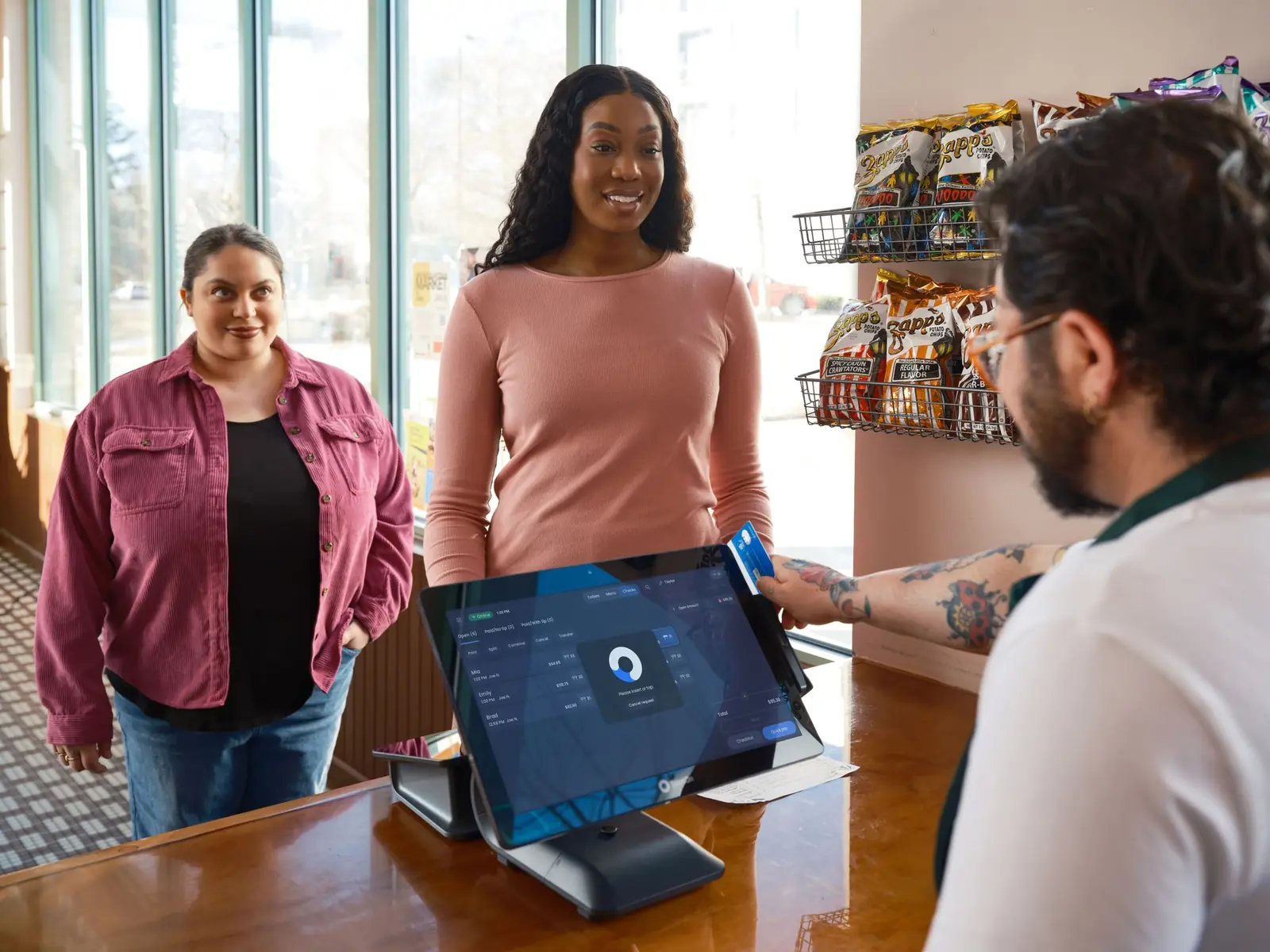
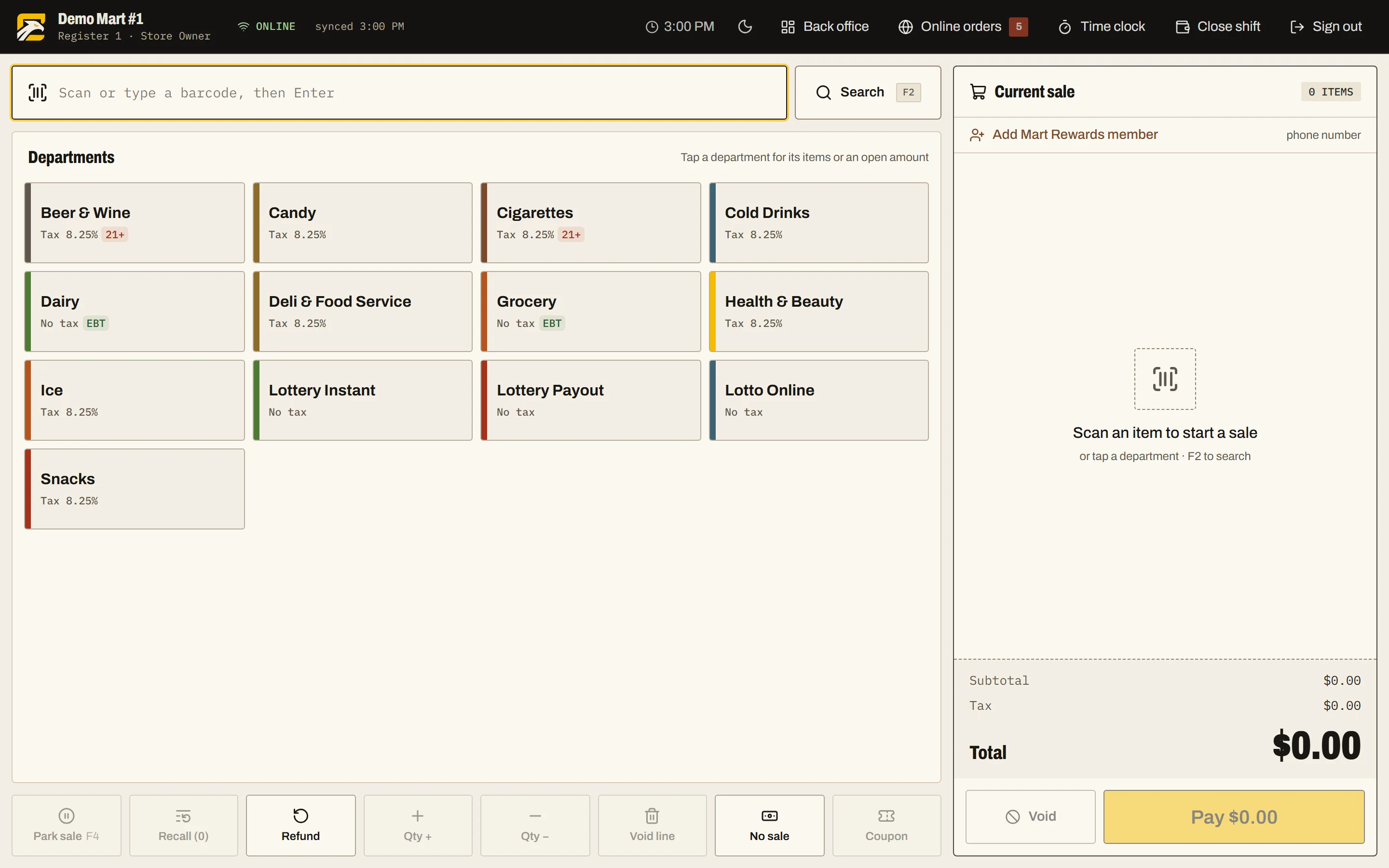
Scan, search or tap a department key to ring up a sale. The register splits payments any way the customer wants, handles EBT per line, and can add card tips if you use them. Park a sale to serve the next person, then pick it up again. Refunds and the No sale key are recorded, and cashiers sign in with a PIN.
- Split tenders: cash, card, EBT, house accounts and more
- EBT eligibility handled line by line
- Parked sales and refund mode
- Age verification by department or item, with the highest age on the ticket winning
- Roles, permissions and cashier PINs
02Offline mode
The catalog is stored on the register, so the lane keeps selling with no connection. Sales, shift openings and closings wait in an outbox and replay in order when the connection returns. The server ignores a sale it has already received and recomputes the math, so nothing is counted twice. Members and coupons work offline too.
- Pricebook stored on the device per store
- Outbox with unique IDs per sale, replayed in order
- Duplicate sales ignored on the server
- Loyalty sign-up by phone works without a connection
03Pricebook and inventory
Items carry barcodes, case and unit cost, retail, department and tax, with margin shown on the same line. Departments have margin goals, items can have more than one barcode, and individual stores can have their own prices without a second pricebook. Stock is tracked per store with par levels, reorder points, counts and a full movement history.
- Cost and margin next to retail
- Two vendors per item, with Vendor #1 and #2 order rules
- Low-stock, overstock and dead-stock filters
- Stock counts and adjustments with a source on every movement
- Printed shelf tags and a needs-a-label queue
04Vendor orders, invoices and EDI
Order sheets build themselves from par levels and go to your rep by email, SMS or WhatsApp. When the invoice arrives, scan it: a photo or PDF is read by AI, and each line is matched to a product by UPC, then vendor item code, then name. Nothing changes until you post, and posting receives the stock and updates costs.
- Order sheets from par in whole cases, editable before sending
- AI invoice scan from a photo or PDF
- X12 810 and CSV import, with column mapping saved per vendor
- Automatic invoice pickup over FTP, FTPS or SFTP; duplicates skipped
- Payments by check, ACH, cash or card with payables by vendor
05Daily Book end-of-day close
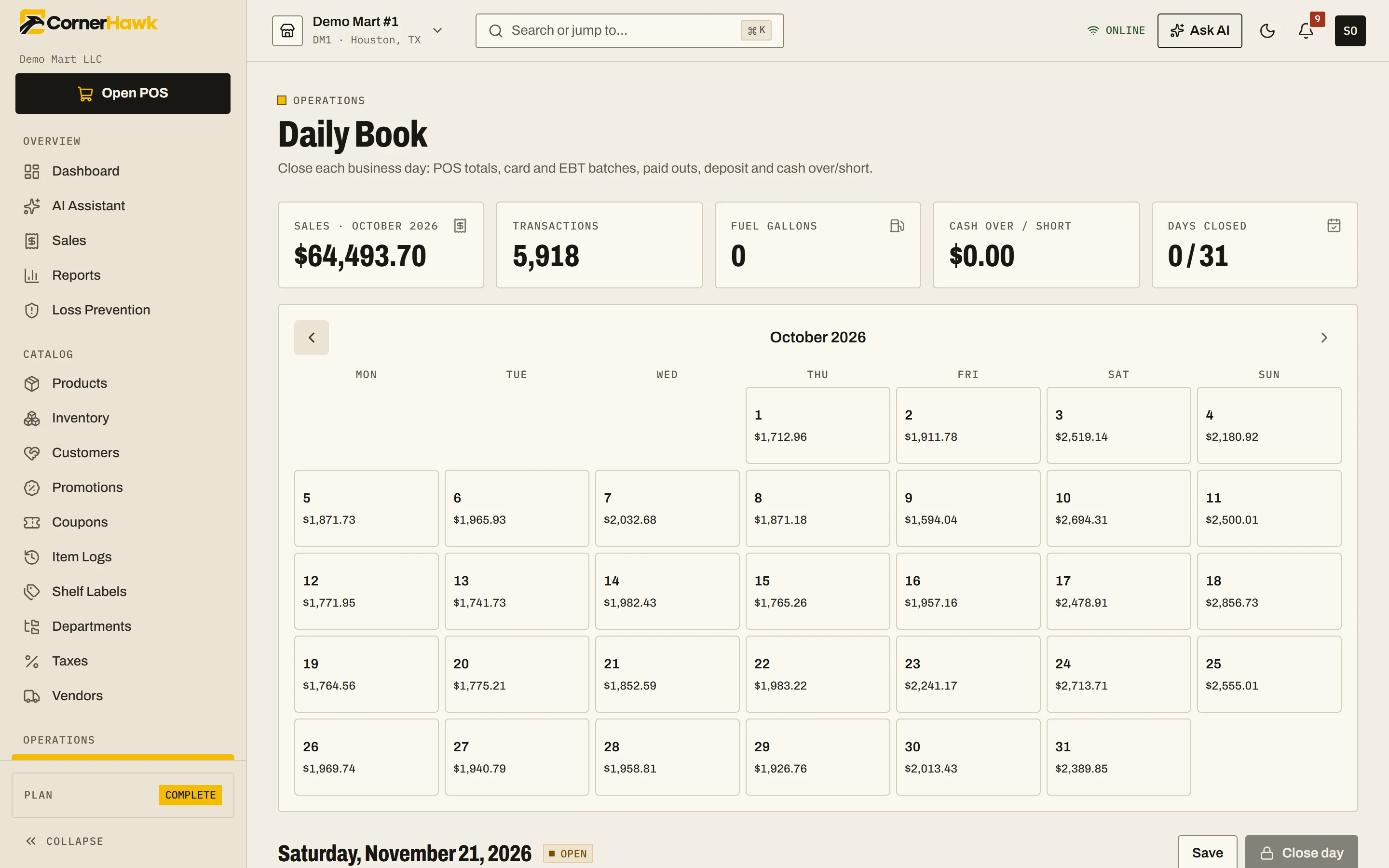
The Daily Book is a month calendar with sales, gallons and over or short. For each day it fills in the POS side (cash, card, EBT, tax, refunds, fuel and lottery) and the manager adds card batches, ATM fill, paid outs and ins, deposit and counted cash. Expected cash is worked out for you, and closing a day freezes its figures.
- Month-to-date sales, gallons and over or short on one calendar
- Merchant and jobber card batches, EBT batch and ATM fill
- Paid outs and paid ins by vendor
- Card tips kept out of the drawer and shown as tips payable
- Warning if a sale syncs after a day is closed
06Fuel and wetstock
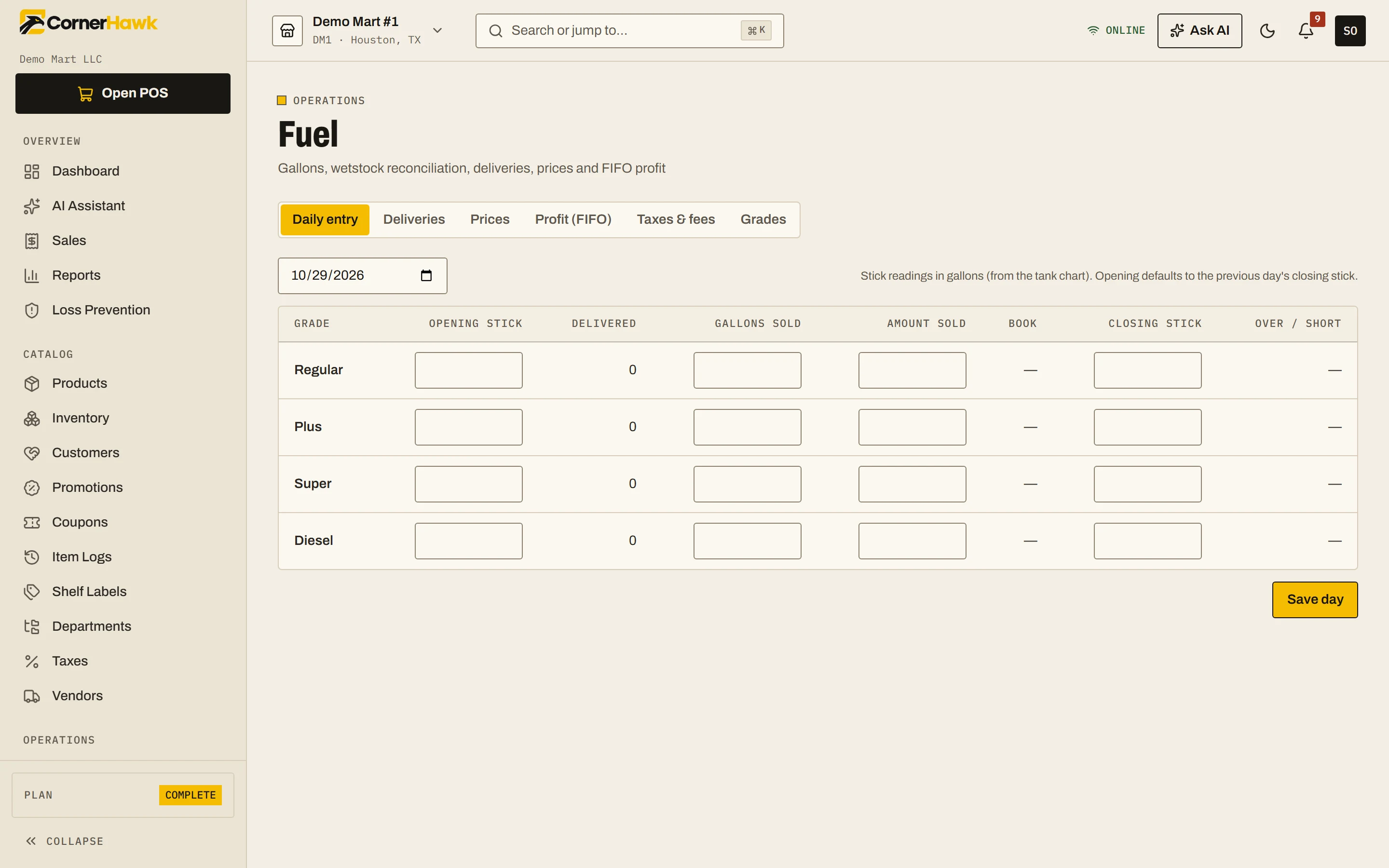
Post street prices per grade with a cash and a credit price, each with its effective time. Record every drop with gallons and cost, and FIFO costing uses deliveries in the order they arrived. A daily sheet per grade shows opening, delivered, sold and book gallons against your stick reading, so you see over or short and real margin in cents per gallon.
- Cash and credit prices per grade
- Book versus stick gallons with over or short
- Federal and state excise, environmental or UST fees and local taxes with effective dates
- FIFO fuel margin per gallon
- Fuel cash versus credit report
07Lottery management
Each scratch-off pack is tracked from received to activated to sold out, settled or returned, with a date and a person on every step. Scan the pack barcode and it splits into game, pack and ticket numbers in your state's layout. Enter the closing ticket per slot each day, and tickets sold work themselves out against what the register rang.
- Pack lifecycle with full history
- Daily count sheet by slot
- Counted instant sales beside instant, online sales and payouts rung at the POS
- Lottery figures flow into the Daily Book
08Tobacco scan data and rebates
Map tobacco items to Altria, RJ Reynolds and ITG programs, with a carton counted as 10 packs and a bulk tool for unmapped items. CornerHawk builds the weekly file for Sunday to Saturday in store time, warns about anything missing, and submits it over SFTP, FTPS or FTP once the weekly time has passed. Then record what each manufacturer paid.
- Account numbers and rebate per unit per store and program
- Readiness preview before the file goes out
- Failed uploads retried automatically
- Weeks expected versus paid, outstanding and short paid
- Margin after rebate per item
09Promotions, coupons and loyalty
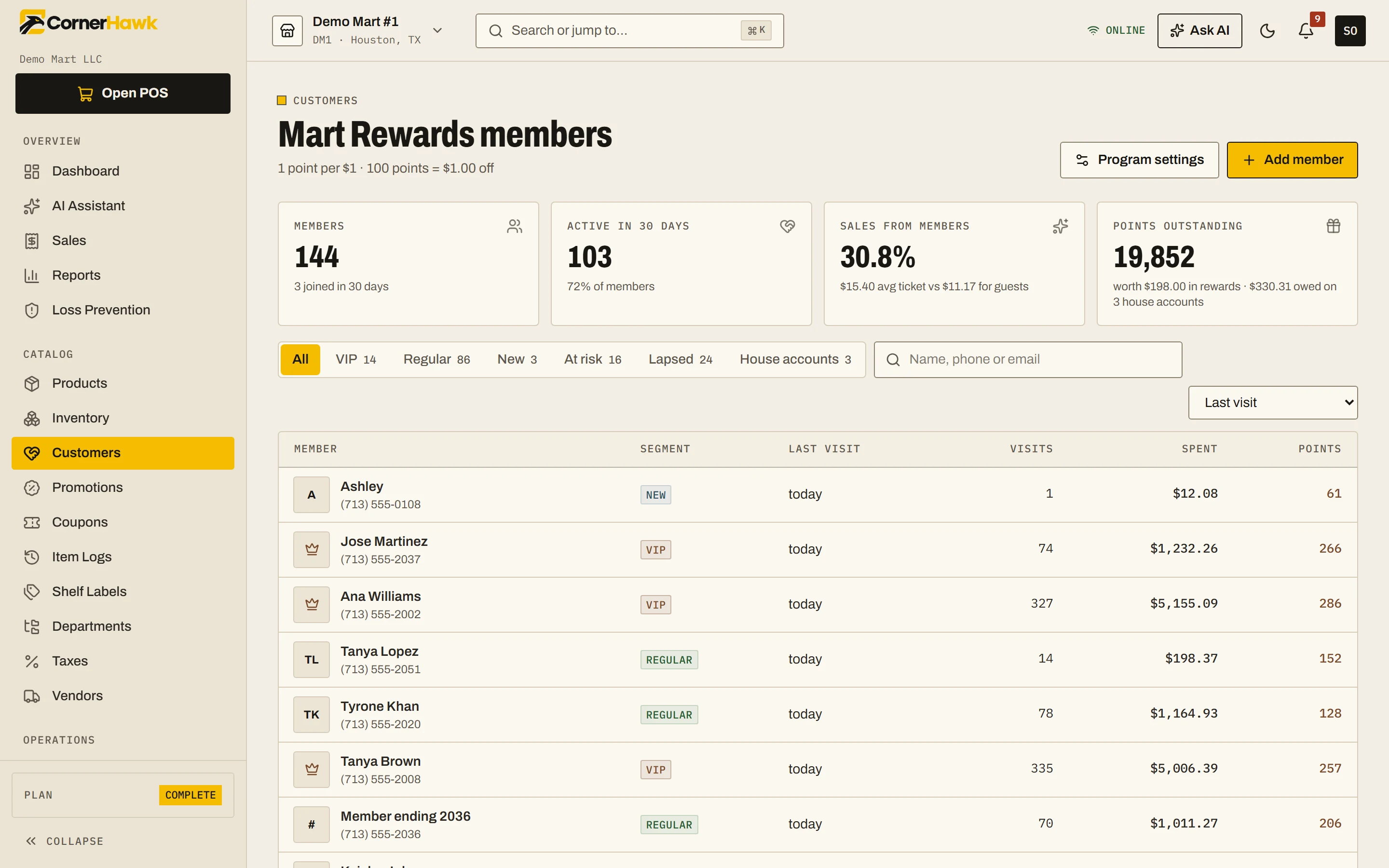
Run mix and match, BOGO, sale price and percent-off deals on items or whole departments, with dates and stores, and see 30-day results with unit lift. Store coupon codes carry limits and rules, and manufacturer coupons are tracked as a tender until paid back. Loyalty members sign up with a phone number and first name and redeem rewards as a line discount.
- Four deal types applied on the lane and printed on the receipt
- Manufacturer coupons tracked until claimed back
- Points on chosen departments; lottery and age-restricted items left out by default
- Segments: VIP, regular, new, at risk and lapsed
- House accounts on the same customer record
10Deli and online ordering
For food service, recipes list their ingredients for the whole yield in any unit, and food cost updates as ingredient costs change. A hold board shows batches on the warmers with a countdown, and waste is written off at cost. Your own mobile storefront takes pickup, curbside and delivery orders with time slots and card payment through your own Stripe account.
- Recipe costing with paid extras
- Made-to-order or batch production
- Waste logged with a reason, at cost
- Online storefront with no customer login, orders handled on the POS
- Completed online orders recorded as a normal sale
11Accounting, card reconciliation and payroll
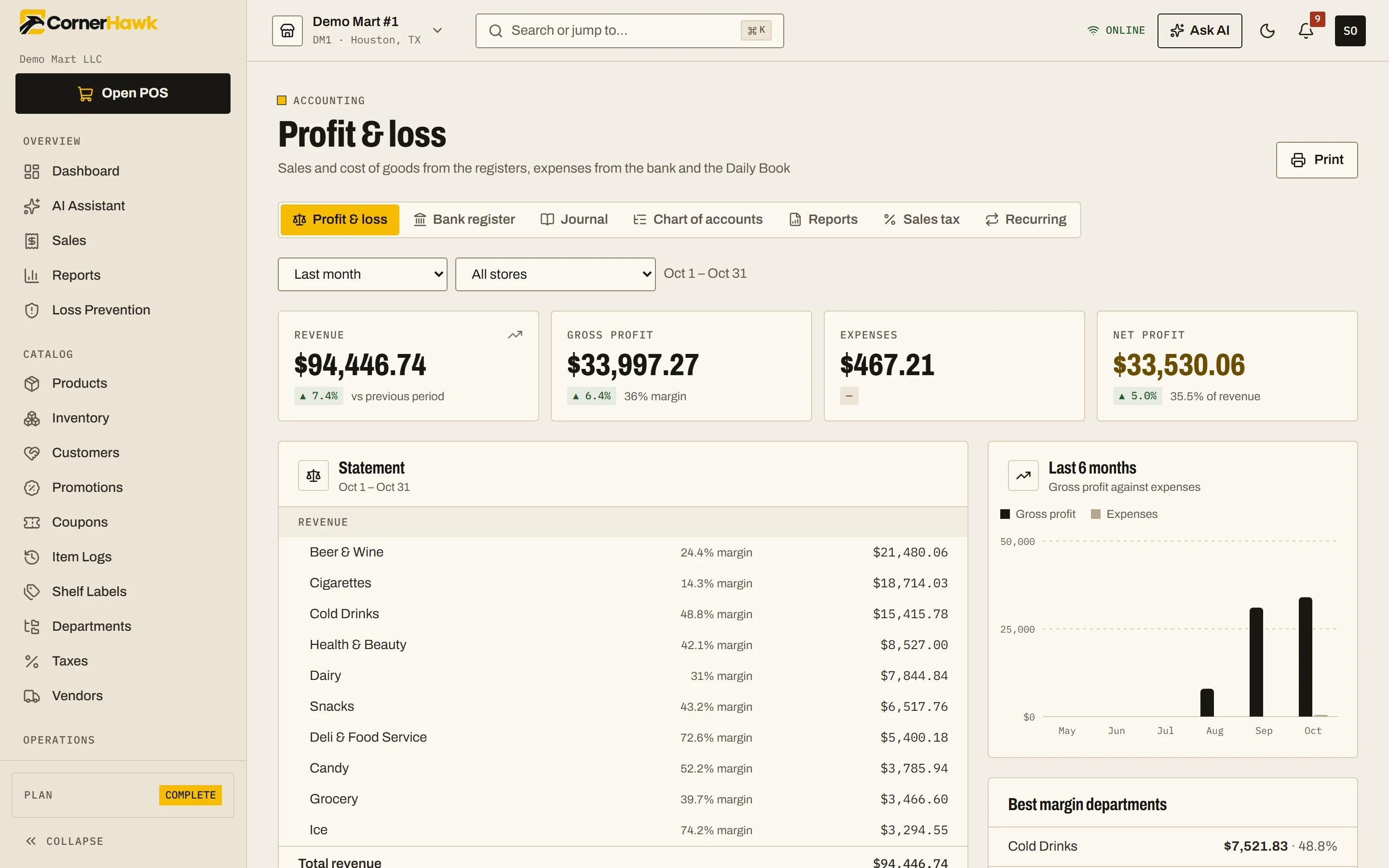
Closing a day books the deposit and card batches into the bank register. Import any bank's CSV to clear matching entries, then read profit and loss by store and period, the general ledger, balance sheet and cash flow. Card processor reports are matched against POS tenders and bank deposits. Payroll runs from the register's time clock, with weekly scheduling alongside.
- Chart of accounts, journal entries and recurring transactions
- Sales tax payable with monthly totals
- Processor fees, effective rate and chargebacks tracked
- Withholding from the W-4, pay stubs, quarterly totals and tip pool split by hours
- Shift grid with coverage by hour, labor percent, swaps and open shifts
12Dashboard, reports, loss prevention and AI
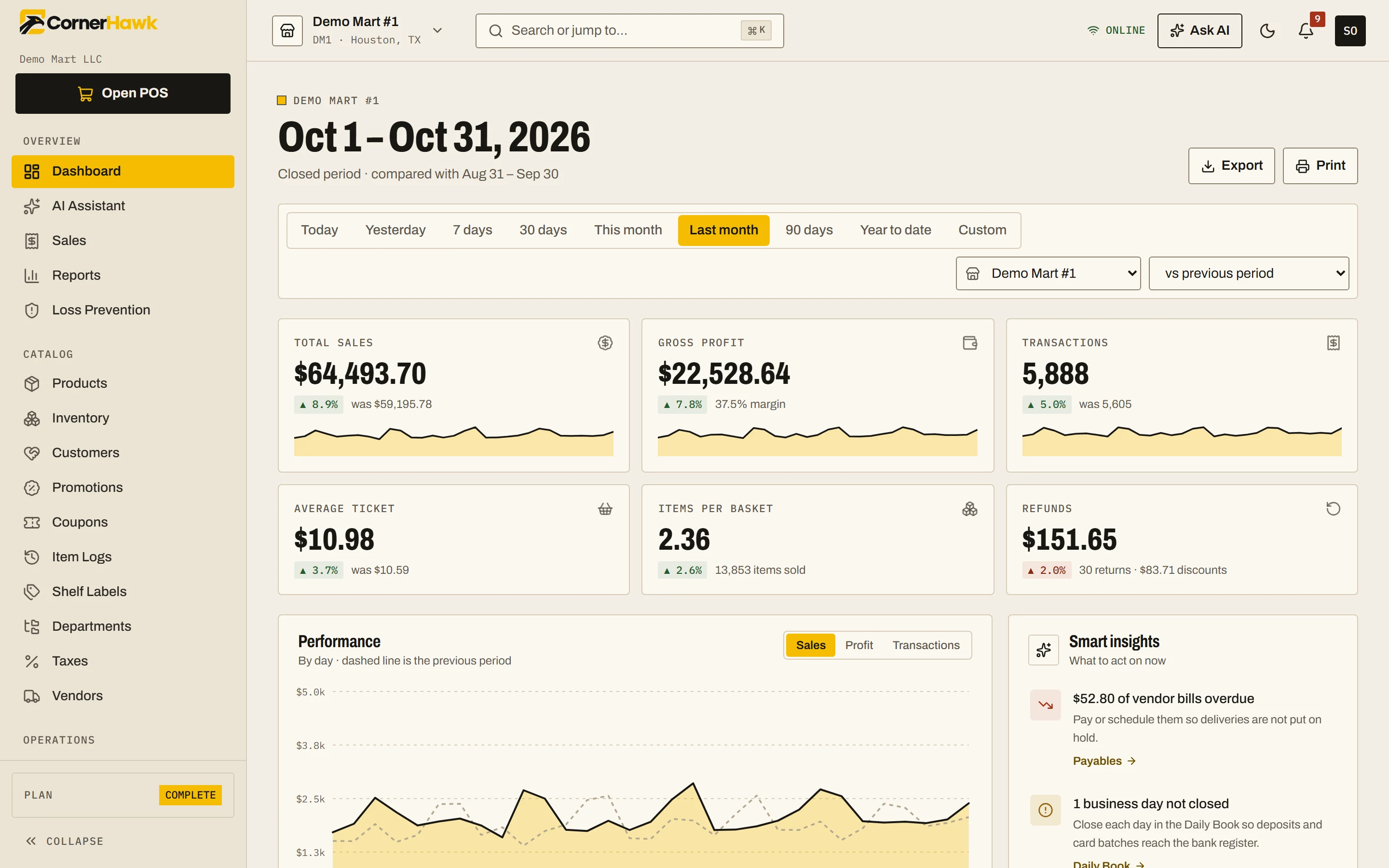
The dashboard compares any period with the previous one or the same weeks last year, shows a weekday by hour heatmap and puts stores side by side. Reports cover sales by hour, department, item movement, cashiers, tax returns, rebates, fuel and promotions, each with CSV export. Loss prevention rates voids and no-sales per cashier. Ask the AI assistant questions in any language.
- Needs-attention list: payables, days not closed, low stock, items not sold in 30 days
- Sales tax return per month and store, with fuel columns
- Cashiers at twice the team average or more are flagged
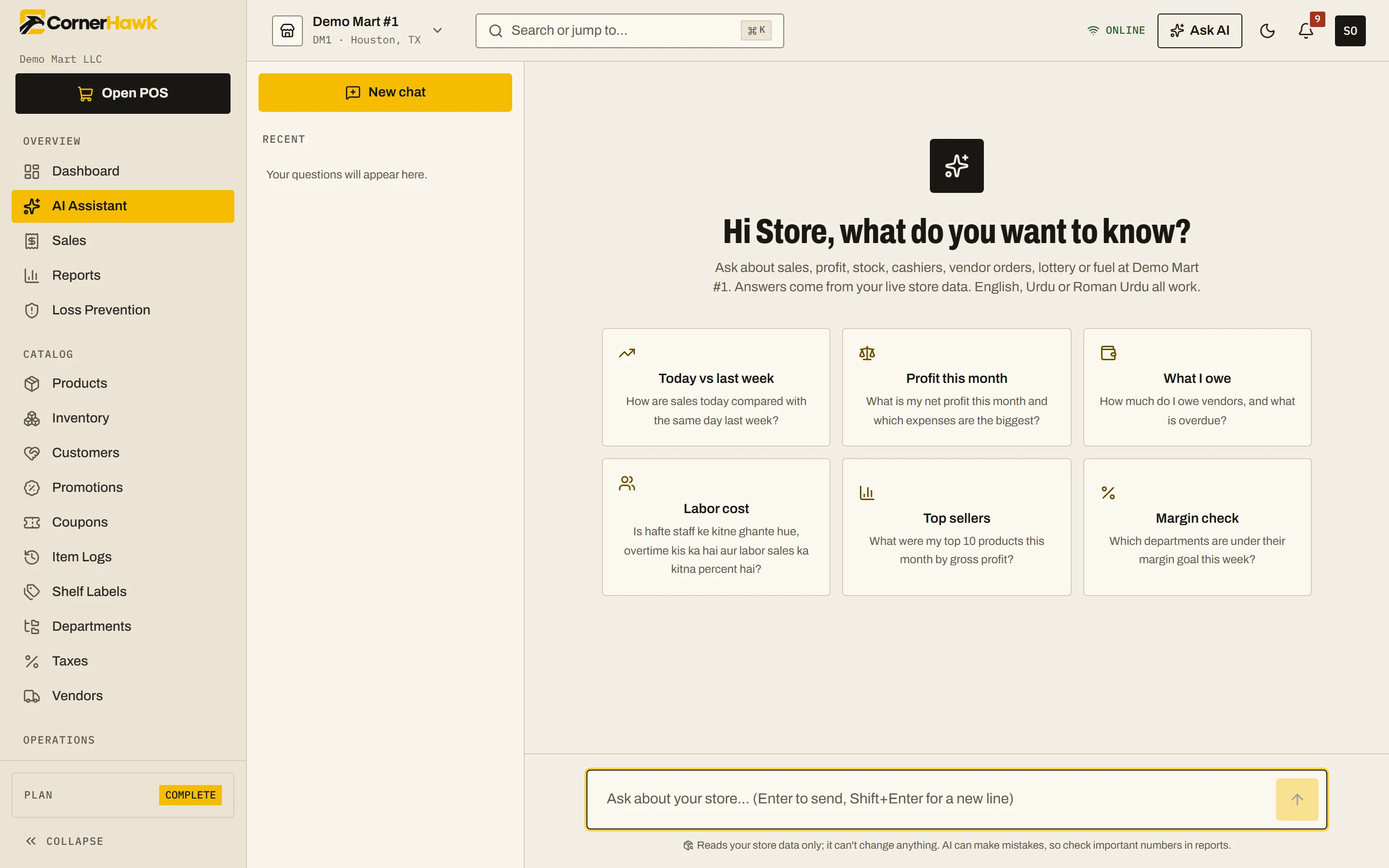
- AI assistant answers from live data, within the user's permissions and plan
- Back office usable on a phone