Why offline-first matters at the counter
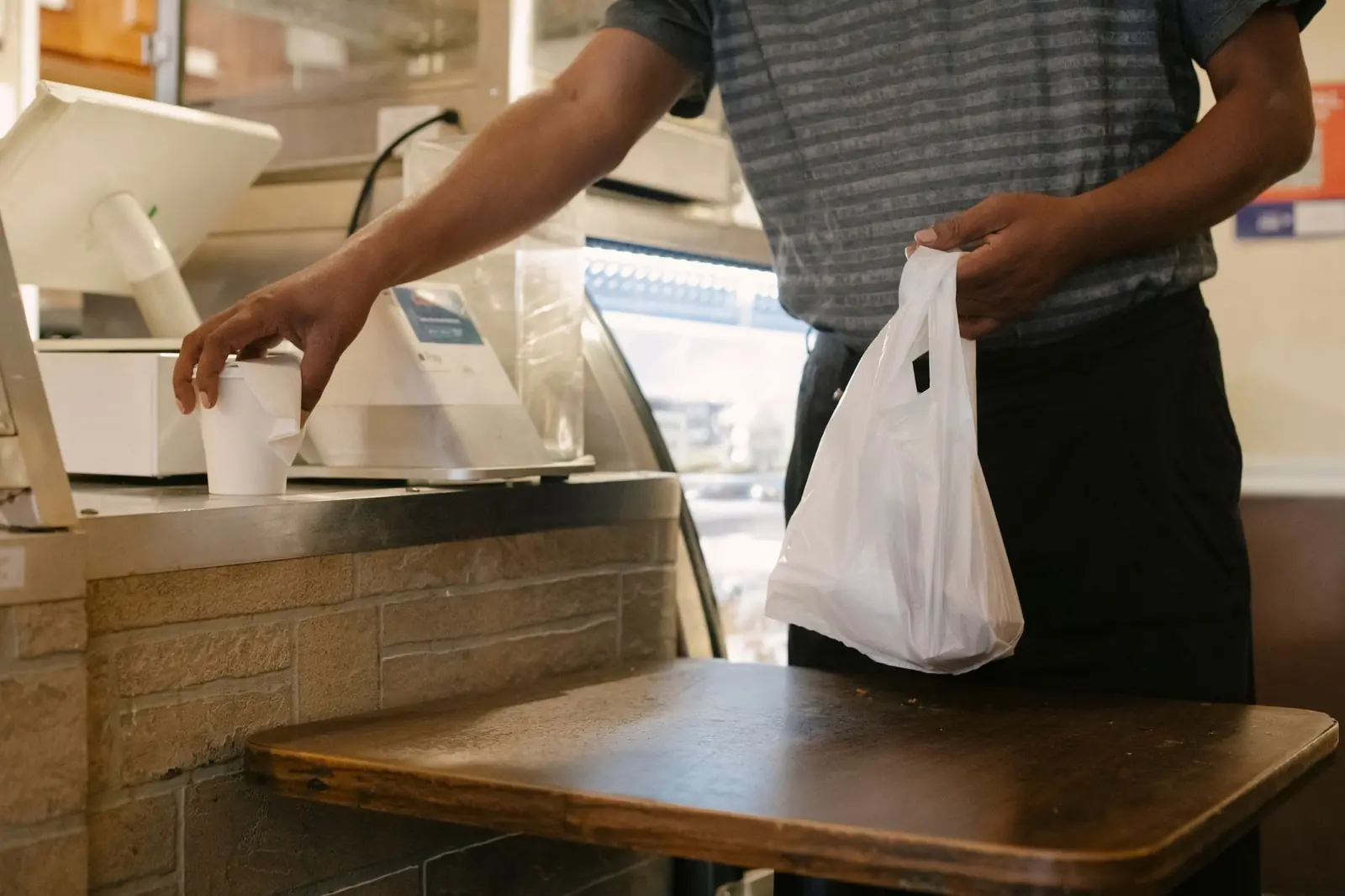
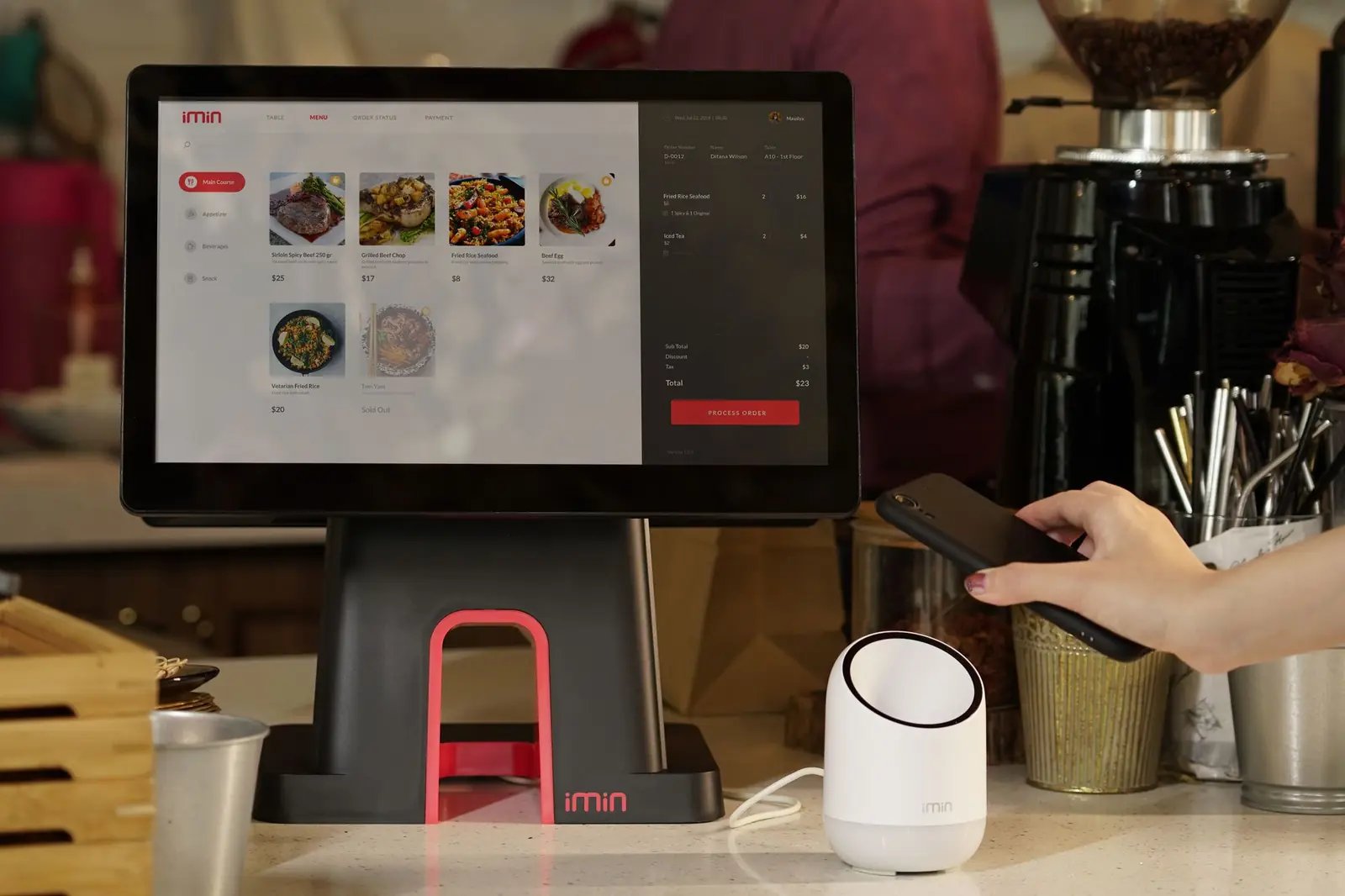
An offline-first web app treats the network as optional. It loads, works and saves data locally, then syncs with the server when a connection is available. For most websites that is a nice extra. For a store counter it is essential. When the internet drops at a convenience store, a dry cleaner or a wholesale counter, customers are still standing there. A POS that shows a spinner instead of a total costs sales and trust.
We build our own POS products as offline-capable progressive web apps. CornerHawk runs on Windows, Android, iOS and Mac, and CleanerHawk has an offline mode for the counter. This article explains how an offline-first PWA works under the hood, using the patterns we rely on, and where the hard problems are.
The building blocks of an offline-first PWA
Service worker: the app shell that always loads
A service worker is a script the browser runs separately from the page. It sits between the app and the network and can answer requests from a local cache. On first visit, the service worker downloads and caches the app shell: HTML, JavaScript, CSS, fonts, icons and anything else needed to start. From then on the app loads from the cache, whether the network is up or not.
Updates need care. When you deploy a new version, the service worker downloads it in the background, and the new version takes over on the next safe moment. At a POS, "safe" means between transactions, never in the middle of a sale. We show a small prompt to reload when the cashier is idle rather than forcing a refresh.
IndexedDB: a real database in the browser
Local storage is too small and too simple for a POS. IndexedDB is a transactional, indexed database built into every modern browser. It can hold the full item catalog, prices, tax rules, customers, promotions and a queue of pending sales, and it can search them fast enough to scan a barcode and show a price instantly.
We store reference data, such as items and prices, in object stores with indexes on barcode, SKU and name. Transactions, such as sales, refunds, paid-outs and shift events, go into a separate outbox store. Libraries such as Dexie make IndexedDB much more pleasant to work with, but the design decisions are the same either way.
Storage persistence
Browsers can evict site data under storage pressure. For a POS that is unacceptable, so the app requests persistent storage through the Storage API, and we check and display the result in the device settings screen. Installing the PWA to the home screen or desktop also helps the browser treat it as important.
The sync design: outbox, IDs and idempotency
The core rule of offline-first is simple: every action is saved locally first, then sent to the server. The details are where it gets interesting.
- Generate IDs on the device. Every sale gets a globally unique ID, such as a UUID, created at the moment of sale. The server never needs to assign it, so the device does not need the network to finish a transaction.
- Write to the outbox in the same transaction. The sale and its outbox entry are written to IndexedDB in one transaction, so you never have a sale without a sync record or the reverse.
- Send in order, retry with backoff. A background sync loop sends outbox entries oldest first. If a request fails, it waits and retries with increasing delays.
- Make the server idempotent. If the same sale arrives twice, because a response was lost and the device retried, the server recognizes the ID and returns the existing record instead of creating a duplicate.
- Mark synced, then clean up. Only when the server confirms does the device mark the entry as synced. Old synced entries are pruned on a schedule.
The Background Sync API can wake a service worker to flush the outbox when connectivity returns, but support varies across browsers, so we also run the sync loop whenever the app is open and the browser reports it is online. We do not trust the online flag alone, either. A real request to a lightweight health endpoint is the only reliable test.
Pulling changes down: keeping the catalog fresh
Sync also runs the other way. Price changes, new items and promotions made in the back office must reach every register. We use incremental sync: each record carries an updated timestamp or version number, and the device asks for everything changed since its last successful sync. That keeps updates small even with large catalogs, and a full refresh is available as a fallback when something looks wrong.
For data that must be fresh, such as a customer's house account balance or a credit hold, the app shows the last synced value with a clear label when offline, and policy decides what to allow. A store might allow house charges offline up to a limit, then reconcile when back online.
Conflict handling: deciding who wins
Conflicts happen when the same record changes in two places while they are disconnected. In a POS, most data falls into categories that make conflicts manageable if you design for them up front.
- Append-only events: sales, refunds, payments, safe drops and time clock punches are new records, not edits. They never conflict. Two registers selling the same item offline simply produce two sales, and stock is calculated from all of them.
- Counters as deltas: store stock movements as "minus one" events rather than "set quantity to 41." Deltas from many devices add up correctly. Setting absolute values causes lost updates.
- Reference data owned by the server: prices, items and tax rules are edited in the back office. The server version wins, and registers do not edit them offline.
- Genuinely shared edits: for the few records that can change in two places, such as a customer's phone number, use last-writer-wins with a timestamp from the server, or field-level merging, and keep a history so a human can review.
The point is to avoid needing clever conflict resolution in the first place. If you model the business as a stream of events, most conflicts disappear.
Payments and other things that need the network
Be honest about what cannot work offline. Card authorization needs a connection to the processor. Some terminals and processors support a store-and-forward mode, which accepts the card offline and submits the transaction later, but it comes with risk because a declined card is only discovered afterwards. Whether to enable it, and up to what amount, is a business decision. Cash, house accounts and other tenders recorded locally work offline without that risk.
Other online-only features, such as AI assistants, online order queues and live reports across stores, should degrade gracefully. The interface should say clearly that a feature is unavailable offline rather than failing silently.
Show the state, calm the staff
Cashiers need to know what is going on without reading technical messages. A small status indicator, such as online, offline or syncing, plus a count of pending transactions, is enough. When the connection returns, the count should visibly go down. Managers need a screen that lists unsynced transactions per device, so nobody wipes a tablet that still holds the afternoon's sales.
Security on a device that holds data
A register that works offline stores business data locally, so treat the device as part of your security boundary. Require staff login with PINs and roles, lock the screen after inactivity, cache only what the counter needs, and avoid storing card data entirely by letting the payment terminal handle it. Tokens used for sync should be scoped to the device and revocable from the back office if a tablet is lost.
Testing an outage before your customers do
- Use browser developer tools to simulate offline and slow networks during development.
- Unplug the router during real-device testing and run a full shift of transactions.
- Kill the app or reboot the device mid-sale and confirm nothing is lost or duplicated.
- Reconnect and confirm every transaction reaches the server exactly once.
- Run two registers offline at the same time, sell the same items, then reconnect and check stock and totals.
- Deploy a new version while a register is offline and confirm it updates safely later.
These tests belong in your release checklist, not just in the first build. Regression in offline behavior is easy to miss because the office internet rarely goes down. Our QA and software testing team writes these scenarios into automated end-to-end tests where possible.
When offline-first is worth it
Offline-first adds design and testing effort, so it is not right for every app. It is worth it when the app is used where connectivity is unreliable, when a few minutes of downtime costs real money, or when staff cannot wait. Counters, warehouses, delivery routes, field service and events all qualify.
If you are building one, plan the data model for offline from the start. Retrofitting it into an app designed for always-online is far harder than building it in. Our POS and retail software and web development teams build offline-first PWAs on the same architecture we use for our own products, and we work with businesses in Houston and beyond. Tell us about your use case.